











Photo Extender — Extend Any Photo's Background Instantly
Expand a photo to any aspect ratio using a real AI photo extender — no cropping, no stretching, no distortion. Upload once, fit everywhere: Instagram, YouTube, print, e‑commerce and more. This photo extender uses generative AI to imagine natural new background detail instead of just stretching pixels.
 Original Photo · 4:5
Try the Photo Extender Right Now
Upload a photo, pick a target ratio, and let real generative AI extend it — usually ready in about a minute. This is the same photo extender used throughout the examples on this page.
Extend a Photo in 3 Simple Steps
No design skills, no software to install, no learning curve — this photo extender is built for absolute beginners.
Upload your photo
Drag & drop or click to choose any JPG, PNG or WebP image directly from your device.
Pick a ratio & direction
Choose a preset like 16:9 or 9:16, or set a fully custom ratio — this photo extender supports any direction you need.
Download your result
Real AI generates your extended photo in about a minute, ready to download from your photo extender in full resolution.
What Is a Photo Extender, and When Should You Use One?
In short: think of a photo extender as an AI-powered canvas expander for your existing pictures. A photo extender is a tool that widens or heightens a photo beyond its original edges by generating new, believable background content — instead of cropping into your subject or stretching existing pixels until they look distorted. Unlike a basic image resizer, a proper photo extender studies the lighting, color and texture near the edge of your photo, then imagines what a wider (or taller) version of that same scene would naturally look like.
You'll want a photo extender any time a photo almost fits a size but not quite — a square Instagram post that needs to become a tall Story, a landscape shot that needs extra sky for a banner, or an old family photo that was cropped too tightly decades ago. This particular photo extender is powered by real generative AI (the gpt-image-2 model) rather than a simple blur-and-stretch trick, so results hold up even in detailed scenes like skies, walls, water and fabric. Whichever photo extender you choose, look for one that keeps your original subject completely untouched. Ready to see it in action? Scroll back up and try this photo extender on your own picture — it only takes about a minute.
Built for Real AI Quality & Any Aspect Ratio
Everything you need from a photo extender to make one photo fit everywhere it needs to go.
Real AI outpainting
Powered by the gpt-image-2 model, this photo extender imagines genuinely new background detail instead of just blurring and stretching pixels.
Secure by design
Your photo travels over encrypted HTTPS and is only used to generate the result you asked for — no account required.
Any aspect ratio
1:1, 4:5, 16:9, 9:16, 21:9 or a fully custom ratio — one photo, every platform.
No sign-up, ever
No account, no login wall, no subscription — just a quick one-click human check keeps this photo extender fair for everyone to use.
Full resolution export
Download your AI-generated result directly, with no forced downsizing on our end.
~60–120 second results
Real generation takes a little time behind the scenes — we show you clear progress so you always know what's happening.
One Photo. Every Purpose.
Whether it's a cherished family photo or a product shot for your shop, this photo extender turns one upload into every size you need.
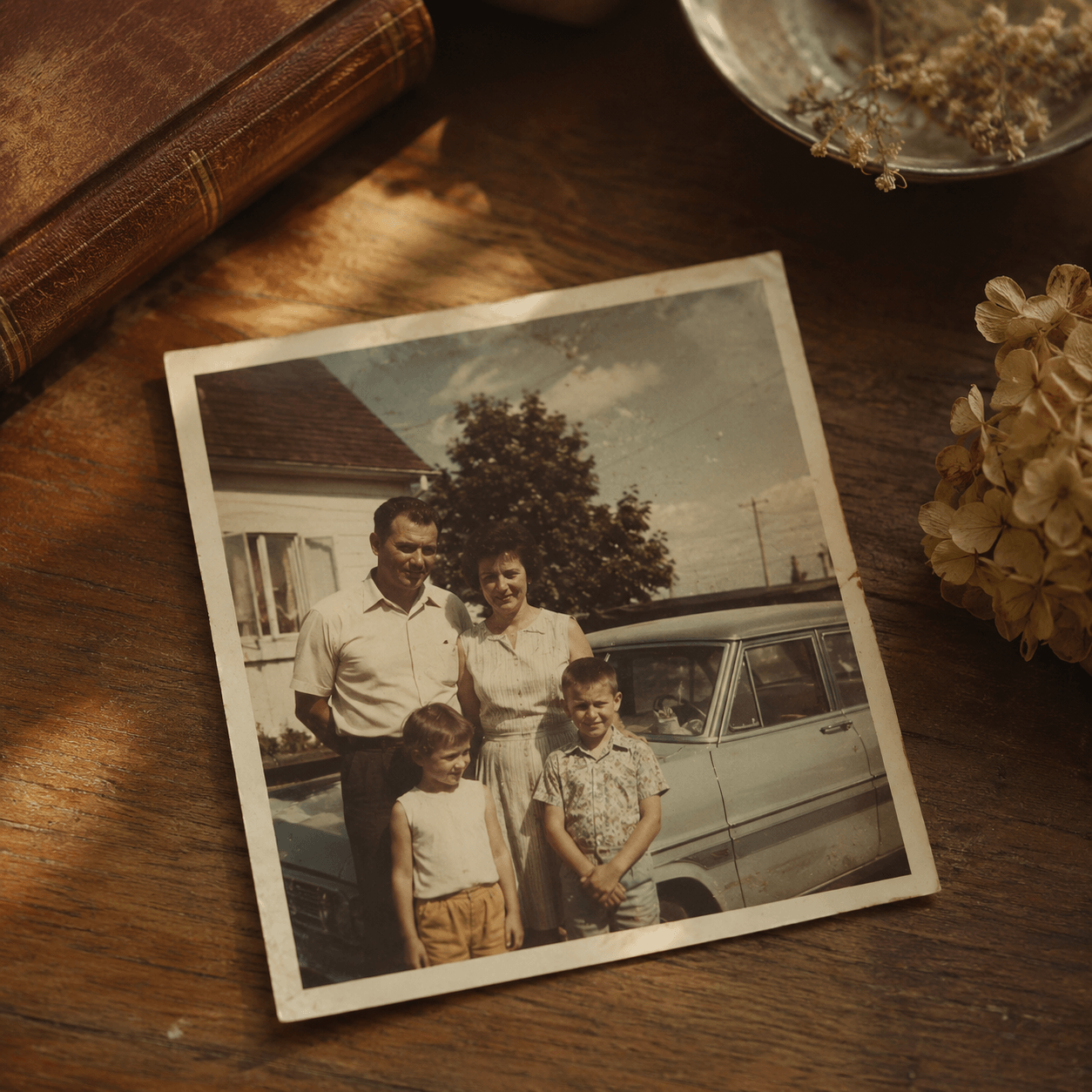
Old & Family Photos
Bring back the background a tight old crop cut off — this photo extender's AI imagines what was likely there, so treasured photos fit any new frame size.
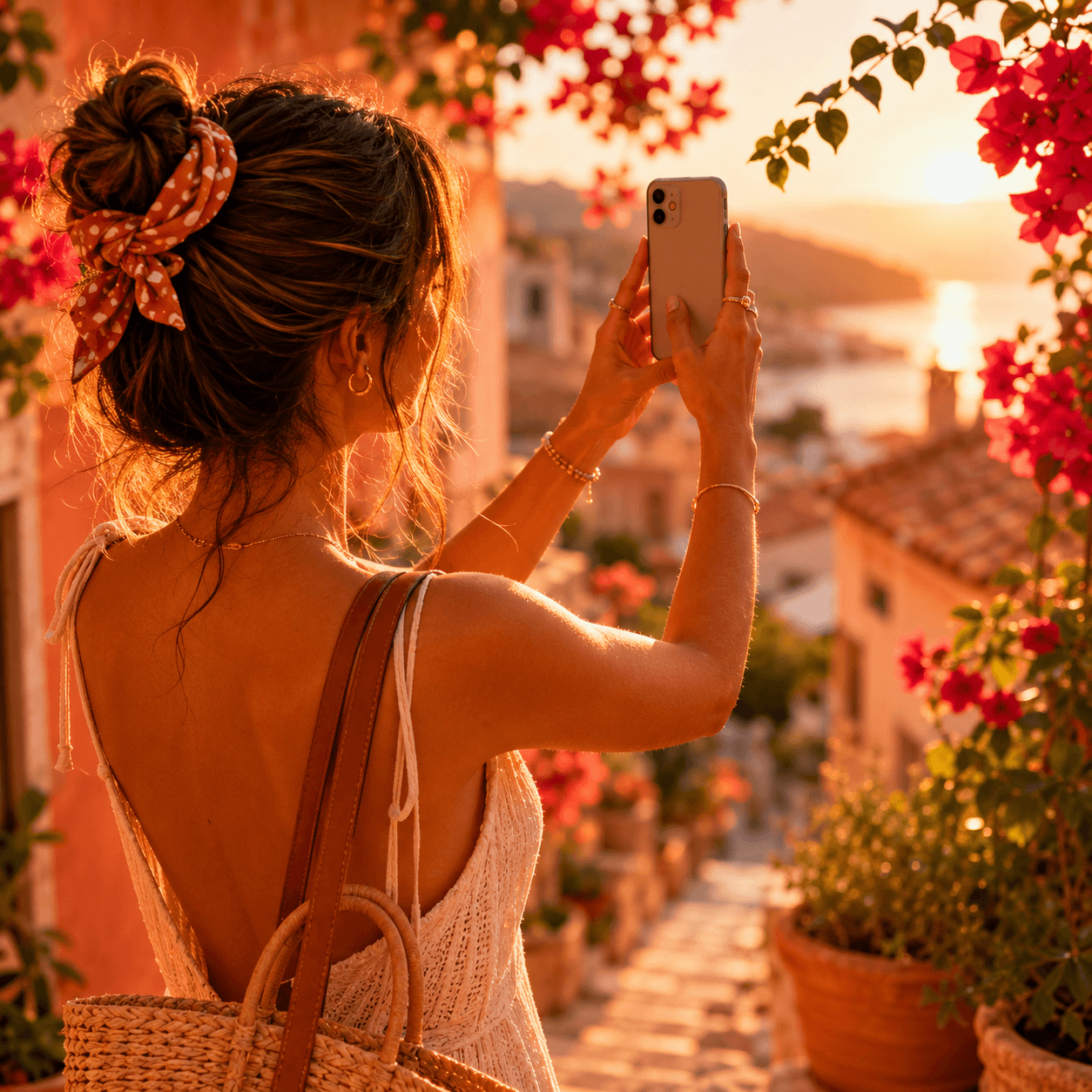
Social Media
Turn any photo into a perfect Instagram post, Story or TikTok cover — this photo extender handles every ratio in one click.

Shops & E‑commerce
Extend product backgrounds to fit banners, listings and marketplace templates without booking a reshoot or hiring a designer.

Real Estate
Reframe listing photos to widescreen or print-ready ratios without losing the shot, cropping a room, or paying for a re-edit.
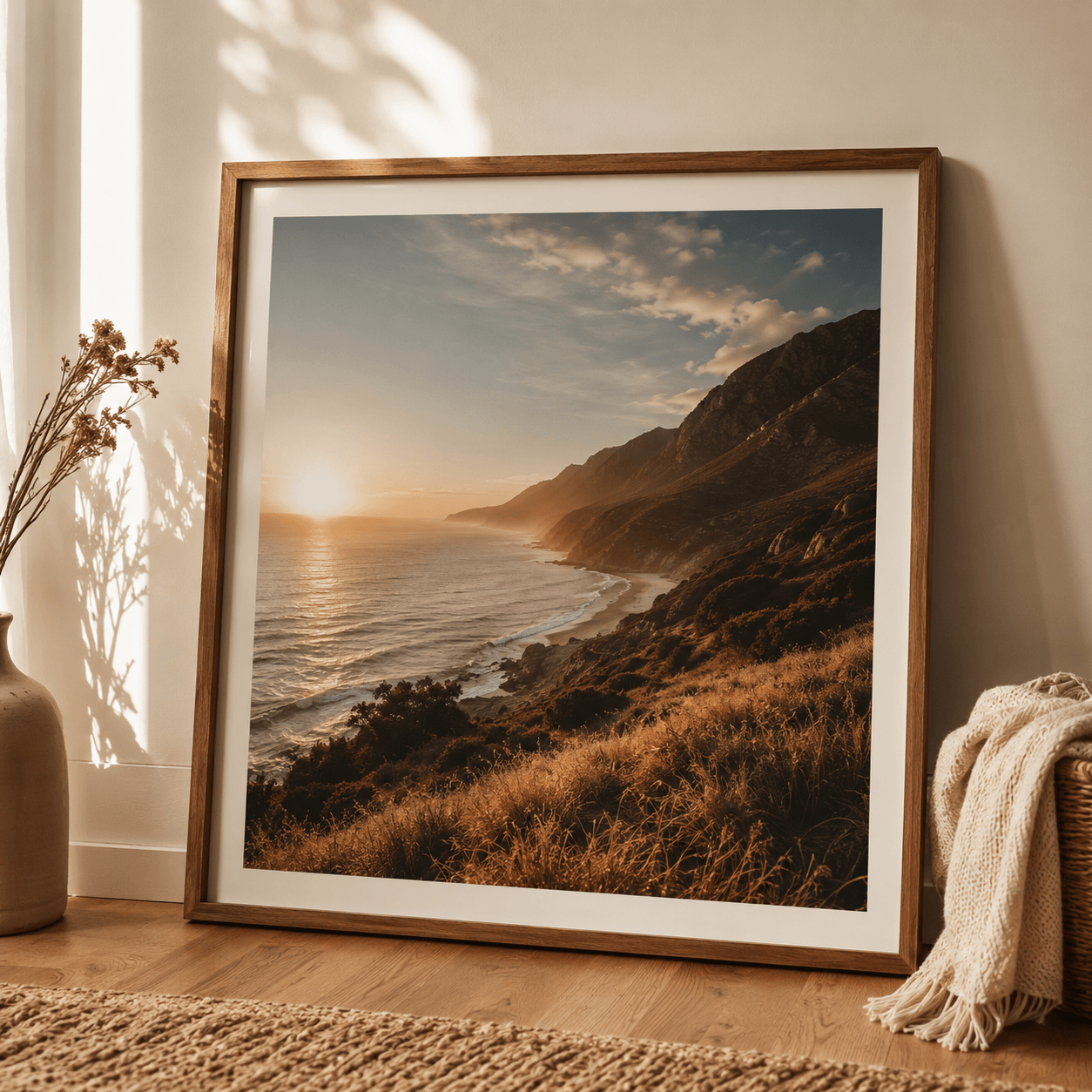
Print & Wallpaper
Expand a snapshot with this photo extender to fill a poster, canvas print, or desktop wallpaper size perfectly.
Photo Extender vs. Other Popular Tools
A quick, honest look at how Photo Extender's AI outpainting stacks up against other generative tools.
| Tool | Sign-up required | Account needed to use it | Free tier limit | Watermark on results |
|---|---|---|---|---|
| Photo Extender | No | Never | Free, bot-protected | None |
| Fotor AI Image Extender | No | Yes, after 1 free use | 1 free generation, then account required | None (with account) |
| Adobe Firefly (Generative Expand) | Yes | Yes | Limited monthly credits | None |
| Canva Magic Expand | Yes | Yes | Pro plan required for full use | None (Pro) |
Comparison based on each provider's publicly listed terms at the time of writing and may change. Like every generative tool listed here, Photo Extender securely sends your photo to an AI processing service to generate a result — the difference is you never need to create an account or log in to use it. When shopping around for a photo extender, account requirements matter just as much as output quality.
Free to Try. No Account, No Catch.
One straightforward plan: a free, unlimited-try photo extender with no hidden account requirement.
AI Outpainting
Real generative AI background extension, protected by a quick one-click human check instead of a login wall.
- No sign-up or account, ever
- Any aspect ratio & custom sizes
- Full-resolution export
- No watermark on results
Need bulk or commercial-volume processing through this photo extender? Get in touch and we'll help you scale it up.
Frequently Asked Questions
A photo extender is a tool that expands a photo beyond its original borders by generating new background content, so you can change its aspect ratio without cropping out your subject or stretching the image.
Yes, there's no sign-up and no subscription. Each extension runs a real AI generation behind the scenes and is protected by a quick one-click human check to prevent abuse.
If you've created a free account, we automatically top your balance back up to 20 credits every day — no purchase and no action needed.
Yes. To generate a genuinely new AI-imagined background, your photo is sent securely over HTTPS to our AI processing partner. No account is required, and your photo is only used to generate the result you asked for.
Photo Extender supports JPG, PNG and WebP files up to 4MB, and can extend to 1:1, 4:5, 16:9, 9:16, 21:9 or any custom aspect ratio you specify.
Photo Extender uses the same class of generative AI outpainting as Firefly, Canva and Fotor, but skips the account wall entirely — no login, no subscription paywall, just a quick human check and you're done.
Yes. This photo extender works in any modern mobile or desktop browser — there's no app to install. Upload a photo from your phone's camera roll, pick a ratio, and the same AI-powered photo extender handles the rest.